
Dark mode hyperlinks hard to read
- Thread starter Merlette
- Start date
Supporting Vendors




Follow along with the video below to see how to install our site as a web app on your home screen.
Note: This feature may not be available in some browsers.

If you scroll down to the bottom of the page - on the right hand side you'll see a half moon icon. If you scroll over it, it will say Style Variation. Click on it and you can change the mode.In dark mode, hyperlinks and @ callouts are displayed in an orange color that is hard for me to read. I couldn’t find a setting to change the color. Does such a setting exist?
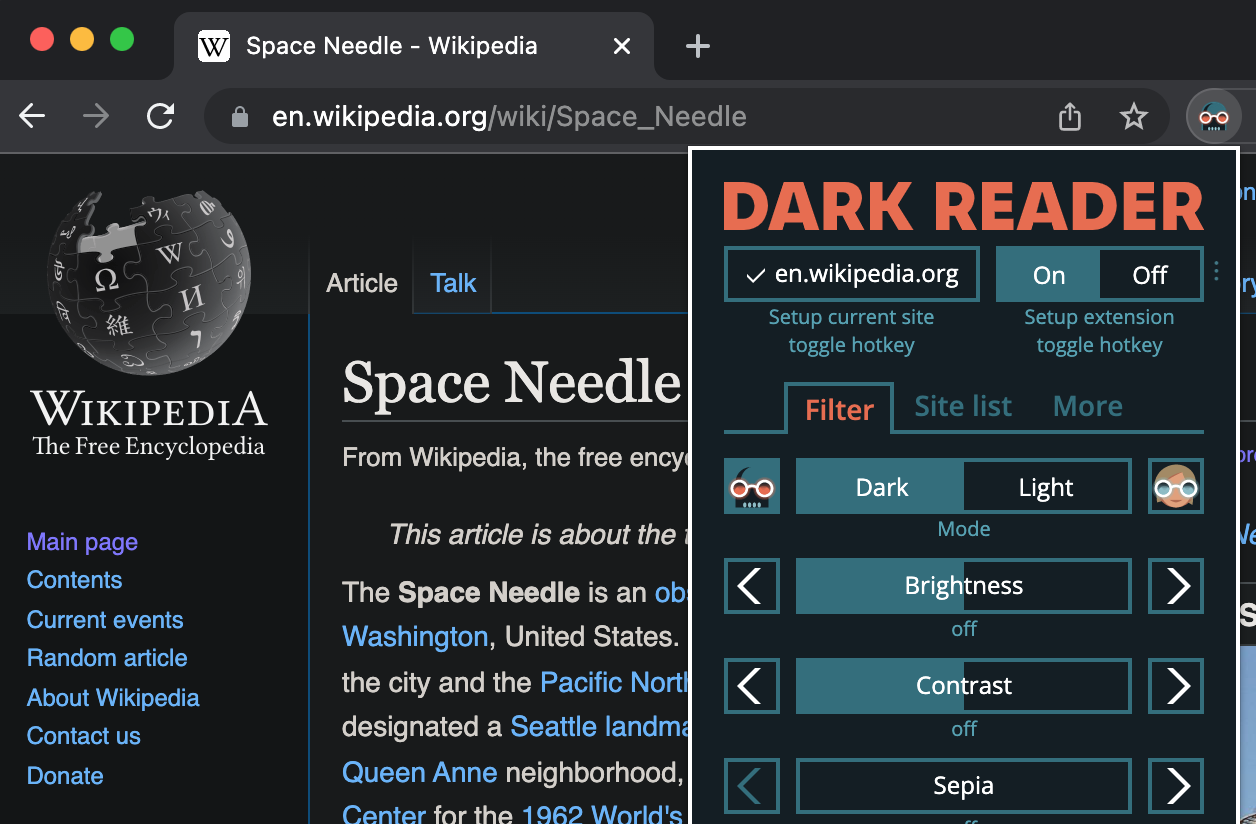
 darkreader.org

Thank you, I’ll check it out. So, ironically I could select light mode in the site settings, then darken it to my likingThe Dark Reader browser extension allows you to customize how it darkens things on a per-site basis. You could leave the forum in normal blindingly white mode and then use Dark Reader to recolor it in a way that doesn't blind you but is still readable.
Dark Reader — dark theme for every website
Dark mode for every website. Take care of your eyes, use dark theme for night and daily browsing. For Chrome and Firefox, Edge and Safari.
